
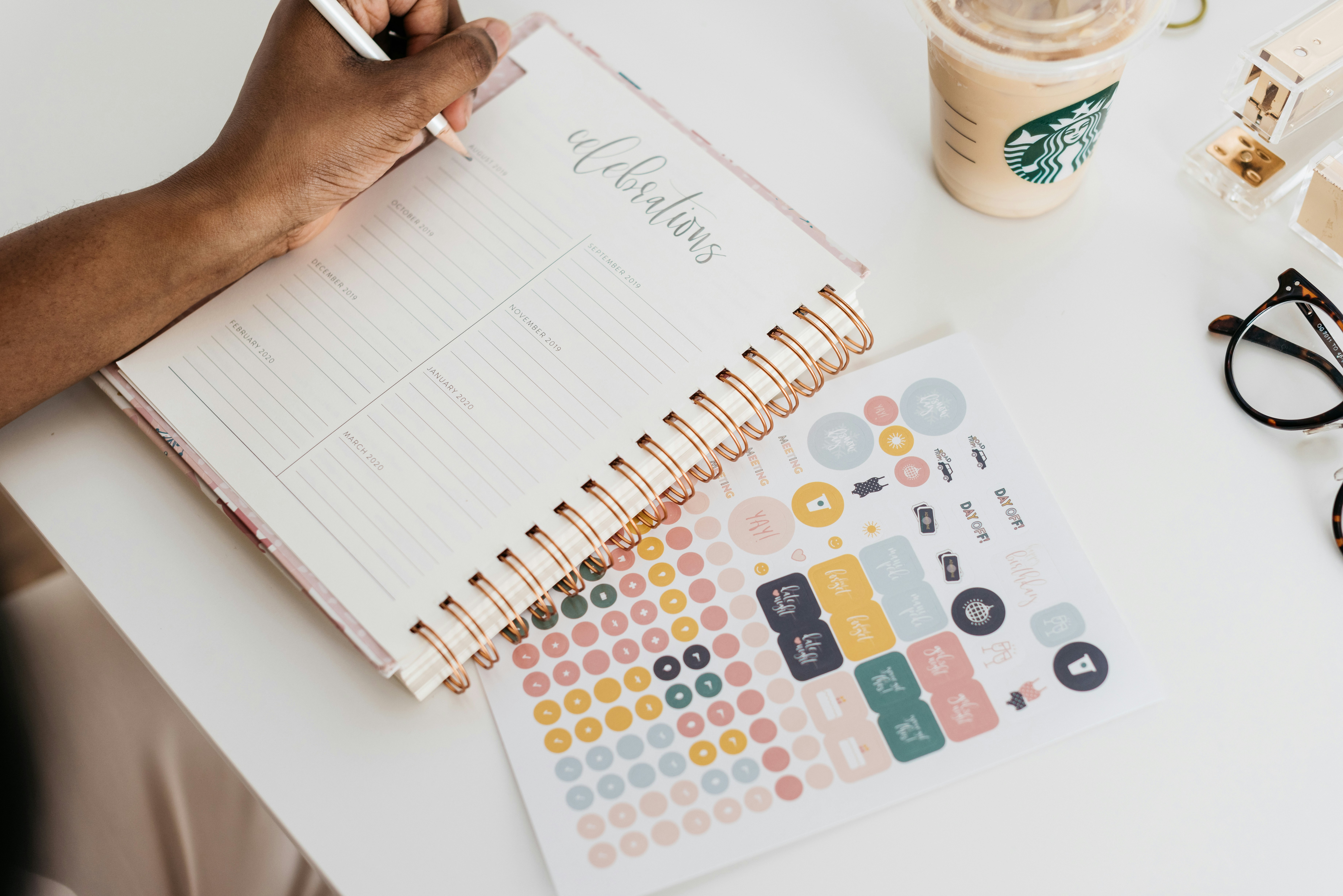
Introduction to Digital Planning and Stickers
In recent years, digital planning has surged in popularity as an effective way to stay organized and enhance productivity. With the increasing reliance on digital devices for everyday tasks, many individuals have turned to digital planners as a versatile alternative to traditional paper planners. Digital planners allow users to manage their schedules, track goals, and document thoughts conveniently through compatible applications such as Notability, GoodNotes, or various other planning tools.
A standout feature that further enriches the digital planning experience is the use of digital stickers. These digital embellishments are graphic images that can be customized and placed within a digital planner. Digital stickers serve various purposes, from aesthetic enhancements to functional icons that help categorize appointments and reminders. By incorporating digital stickers, users can transform a basic planner layout into a visually appealing and personalized tool. This personal touch not only makes planning more enjoyable but also encourages consistent use of the planner.
The versatility of digital stickers is one of the reasons for their growing allure. They come in various designs, themes, and styles, catering to different preferences and seasons. Back-to-school themes, holiday motifs, or motivational quotes—there’s a digital sticker for everyone. As technology continues to advance, the variety and accessibility of digital stickers allow more individuals to learn how to use digital stickers effectively. Embracing this creative aspect of digital planning can lead to a more engaging organizational experience, encouraging users to actively maintain their planners and reflect on their goals.
Benefits of Using Digital Stickers
Incorporating digital stickers into a digital planner offers a multitude of advantages that enhance the planning experience. One of the most notable benefits is the increased personalization that these stickers provide. Users can select stickers that resonate with their unique style and preferences, allowing for a customized planner that reflects their personality. This level of customization not only makes planning more enjoyable but also encourages individuals to engage more actively with their planning activities.
Furthermore, digital stickers serve as a motivational tool. When individuals include visually appealing elements like icons, images, and decorative motifs, it can foster a sense of enthusiasm towards their tasks and goals. For instance, using specific stickers to mark off completed tasks or to highlight significant milestones can create a rewarding experience that helps maintain motivation throughout the planning process.
In terms of aesthetic appeal, digital stickers can significantly enhance the visual layout of a planner. This heightened visual stimulation can reduce the monotony of plain text and create a more vibrant and engaging planning environment. Whether through colorful graphics representing different moods or thematic stickers for various events, these elements can make planning not only functional but also visually appealing.
Digital stickers are versatile tools that can be utilized for various use cases, including goal tracking, mood tracking, and event planning. For example, individuals may choose to employ stickers to represent their daily emotions, thereby creating a mood tracker that visualizes emotional fluctuations over time. Additionally, stickers can denote special occasions within event planning, such as birthdays, holidays, or upcoming meetings, providing a visual cue that enhances organizational clarity.
Overall, the integration of digital stickers into a planner can significantly improve user experience, transforming mundane planning tasks into creative and motivational practices.
How to Choose the Right Digital Stickers
Selecting the appropriate digital stickers is vital for personalizing your digital planner effectively. The first step in this process involves identifying your style and the specific theme of your planner. Assess your existing planner aesthetic; whether it’s minimalist, vibrant, or themed around a particular season, this will guide your sticker selection. For a cohesive look, aim for stickers that complement or enhance your planner’s existing color palette and design intricacies.
When considering where to find digital stickers, there are several options available. One of the easiest and most popular ways is to explore dedicated sticker shops that specialize in digital products. Websites like Etsy offer a vast array of unique sticker designs created by independent artists. These platforms often feature a wide variety of styles, so you are likely to find stickers that resonate with your personal preferences.
In addition to commercial options, DIY stickers provide a unique opportunity to express individuality. Many tools and applications allow users to create custom stickers from personal images or illustrations. This added customization aspect not only enhances the originality of your planner but also can provide a sense of personal achievement, knowing that you crafted a piece that reflects your style.
Moreover, consider the functionality of the stickers you choose. Some stickers may serve purely decorative purposes, while others could enhance organization through labeling and scheduling. Deciding on the intention behind each sticker will further impact your overall planner experience. Thus, balancing aesthetic appeal with practical usage could lead to a more fulfilling and engaging planning journey.
Using Digital Stickers in Planner Apps
Digital stickers offer a creative and visually appealing way to enhance your digital planner. To begin, you will need to select a planner app that supports the use of digital stickers, such as GoodNotes, Notability, or Zinnia. The first step in utilizing digital stickers in your planning process is importing the stickers into the chosen application. This can typically be accomplished by downloading sticker files from various online resources, ensuring they are in compatible formats like PNG or JPEG.
Once you have downloaded your digital stickers, open your planner app and navigate to the area where you can import files. This might involve using an “Import” option or dragging and dropping the sticker files directly into your planner interface. Ensure that your digital stickers are organized for easy access in the future, possibly by creating a dedicated folder for them within the app.
After importing, you will likely want to resize the stickers to fit your planner pages appropriately. Most planner apps facilitate resizing through a simple touch or pinch gesture, allowing you to easily adjust the dimensions to your preference. This feature is crucial as it enables you to integrate stickers seamlessly into your planning layout.
Once resized, positioning the stickers correctly is the next step. Click and drag the sticker to your desired location on the planner page. Depending on the app you are using, you might find options to layer stickers or even create unique designs by combining multiple stickers. Take your time experimenting with different arrangements until you find a layout that suits your planning style. Through these steps, you can efficiently learn how to use digital stickers to enhance the functionality and aesthetics of your digital planner.
Creative Ways to Arrange Digital Stickers
Incorporating digital stickers into your digital planner can transform both its aesthetic appeal and functionality. One innovative way to utilize digital stickers is by decorating headers or sections of your planner. By choosing stickers that complement the theme or purpose of a specific section, you can create a clear visual distinction between different categories. For example, using vibrant floral stickers for a wellness section can evoke a sense of calm, while playful geometric patterns might enhance the energy in a fitness planner.
Another effective technique is color-coding tasks using digital stickers. Assign specific colors or designs to different task types to create an organized and visually engaging layout. This approach not only provides a quick reference for categorizing tasks but also adds a lively touch to your planner, making it more enjoyable to use. You might opt for pastel hues for personal tasks, while brighter colors can signify work-related duties.
Layering stickers is a creative method that adds depth and interest to your planner layout. You can combine various stickers to represent tasks, events, or reminders. For instance, place a decorative banner sticker across the top of a day’s entry and layer it with smaller themed stickers that represent appointments or activities. This technique not only enhances the appearance of your planner but also allows for personalized expression. Try different combinations to see which arrangements resonate with your style. Furthermore, don’t hesitate to mix different shapes and sizes to achieve a balanced yet dynamic design.
Ultimately, the key to enhancing your digital planner with how to use digital stickers lies in experimenting and allowing your creativity to shine through your layouts. The possibilities are limitless, and each arrangement can reflect your unique personality and planning style.
Making Your Own Digital Stickers
Creating personalized digital stickers can be an enjoyable and rewarding endeavor for enhancing your digital planner. To begin with, you will want to establish a clear vision for your stickers. Consider themes, colors, and purposes to ensure that your designs are consistent and relevant to your needs.
There are several user-friendly software options available for designing your digital stickers. Programs like Canva, Procreate, and Adobe Illustrator are among the most popular choices. Canva is particularly accessible for beginners, offering a wide range of templates and design elements to assist in your creation process. Conversely, Procreate is a fantastic choice for those who prefer a more hands-on, illustrative approach using an iPad. Adobe Illustrator is ideal for creating vector graphics, providing the ability to scale your designs without loss of quality.
While designing your stickers, keep in mind the importance of resolution. Stickers used in digital planners should typically be at least 300 DPI (dots per inch) to ensure clarity and crispness when printed or viewed on screens. Additionally, consider using transparent backgrounds to allow for seamless layering over planner pages. This helps maintain a clean appearance and prevents distractions that solid backgrounds might introduce.
As you craft your stickers, think about how they will be used in your planning routine. Functionality should drive part of your design process; ensure that your stickers convey clear information or serve a specific purpose, such as reminders, decorations, or motivational quotes. Try to incorporate elements that foster organization and keep your planner visually appealing without overwhelming it.
In conclusion, making your own digital stickers involves understanding the design basics, selecting the right software, and prioritizing planner compatibility. With these tips, you can craft personalized stickers that enhance your digital planning experience.
Troubleshooting Common Issues with Digital Stickers
Utilizing digital stickers can significantly enhance your digital planner experience, but it is not uncommon for users to encounter various issues while trying to implement them. Understanding these challenges and knowing how to address them can improve your overall usage of digital stickers.
One prevalent problem users face is sizing issues. Digital stickers may appear too large or too small when imported into your planner. To rectify this, ensure you are using a compatible app that allows for resizing. Many digital planner apps have built-in scaling options. Check the app settings to adjust the size of your stickers appropriately. Alternatively, you can resize stickers using image editing software before importing them into your planner.
Another common issue is app compatibility. Not all digital stickers are designed to work seamlessly with every planner app. When purchasing or downloading stickers, it is crucial to read the descriptions carefully to ensure compatibility with your specific app. If you find that certain stickers are not functioning as expected, consider switching to a more versatile planner app that supports a wider range of digital sticker formats.
Some users might also experience difficulties while attempting to position their stickers accurately within the planner layouts. If you find that stickers don’t snap into place or that they move unexpectedly, investigate whether your app has a grid or snapping feature. Enabling this function can assist in better aligning your stickers, thus enhancing your overall experience with digital stickers.
In summary, by understanding the common issues related to how to use digital stickers and implementing these solutions, you can effectively tailor your digital planner to suit your preferences and enjoy a more organized and visually appealing planning experience.
Inspiration from the Digital Planning Community
To enhance your experience in learning how to use digital stickers effectively, it is advantageous to draw inspiration from the vibrant digital planning community. Numerous platforms and social media groups exist where enthusiasts share their digital planner layouts adorned with stickers. Engaging with these communities can provide invaluable ideas, and support and also help spark creativity in your own planning endeavors.
One of the most popular platforms is Instagram, where users often post images showcasing their planners featuring an array of colorful digital stickers. Searching for hashtags like #DigitalPlanning, #DigitalStickers, and #StickerIdeas can lead you to an abundance of resources. Similarly, Pinterest serves as a vast repository of ideas where you can explore various planning styles that incorporate digital stickers, offering a visual feast and practical tips.
Facebook groups are another excellent avenue for collaboration and inspiration. Groups such as “Digital Planning for Beginners” and “Creative Digital Planners” enable members to share their layouts, exchange tutorials, and provide feedback on how to use digital stickers effectively across different platforms and apps. These communities not only foster a sense of belonging but also encourage participants to experiment with their designs, creating unique planner layouts.
Additionally, YouTube channels dedicated to digital planning often feature tutorials demonstrating how to integrate digital stickers seamlessly into planners. Many creators discuss various techniques and highlight specific stickers that can enhance a planner’s visual appeal while maintaining functionality. By immersing yourself in the digital planning community, you can cultivate your style and gather tips on optimizing how to use digital stickers creatively and artistically.
Conclusion and Final Thoughts
Digital stickers have revolutionized the way individuals customize their digital planners, offering a vibrant and personalized touch. Throughout this article, we have examined various aspects of how to use digital stickers effectively to enhance your planning experience. From selecting appropriate stickers that resonate with your personal style to strategically placing them within your planner, each step contributes to creating a visually appealing and functional tool for organization.
We also explored techniques such as layering, resizing, and combining stickers to maximize their potential. By understanding how to use digital stickers creatively, users can elevate the aesthetics of their planners while maintaining practicality. This flexibility allows for a unique expression of individuality, making your digital planner not just a tool for time management but also a canvas for creativity.
As you embrace the process of personalizing your digital planner, we encourage you to let your imagination run wild. Experiment with various styles, colors, and themes that reflect your personality. Share your designs with friends or through social media to inspire others in their journey of exploring how to use digital stickers in their own planners. The possibilities are virtually endless, and your creativity can serve as a source of motivation for a community of fellow planner enthusiasts.
In conclusion, digital stickers provide an exciting avenue for customization that can transform your planning routine. Whether you are a seasoned planner or new to the digital planning scene, integrating these nuggets of creativity will undoubtedly enhance your organization system. So, get started today, and don’t hesitate to showcase your custom creations!